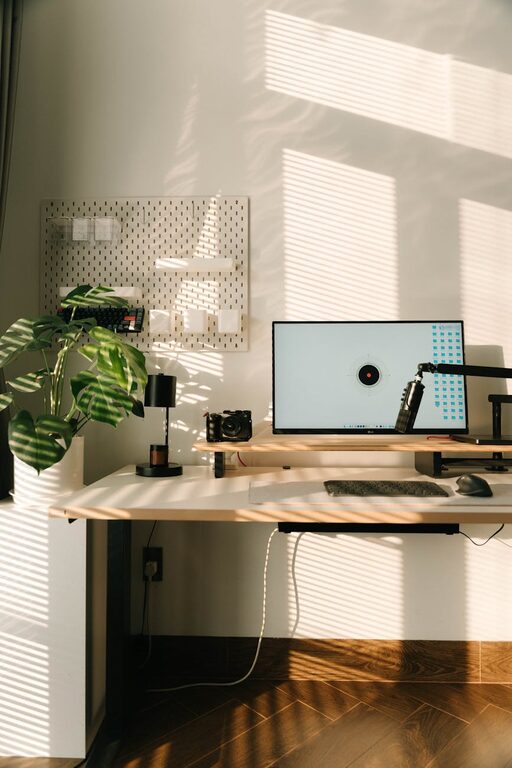
Creating a home workspace that feels cozy yet remains functional can significantly improve your productivity and overall well-being. Whether you’re working remotely full-time or occasionally, a well-designed workspace can help you focus and feel motivated. In this post, we’ll explore practical tips to help you design a home office that blends comfort and efficiency.
Why a Cozy and Functional Workspace Matters
Before diving into the tips, it’s important to understand why your workspace environment matters. A cozy workspace invites you to spend time there without discomfort, while functionality ensures you have everything you need at hand to work effectively. Combining these elements can reduce stress, boost creativity, and maintain a healthy work-life balance.
Choose the Right Location
Consider Natural Light
Whenever possible, set up your workspace near a window. Natural light can enhance your mood, reduce eye strain, and increase alertness. If natural light is limited, supplement with quality artificial lighting that mimics daylight.
Minimize Distractions
Pick a quiet corner or room dedicated to work. This separation can help you focus and mentally switch between work and personal life.
Invest in Comfortable Furniture
Ergonomic Chair and Desk
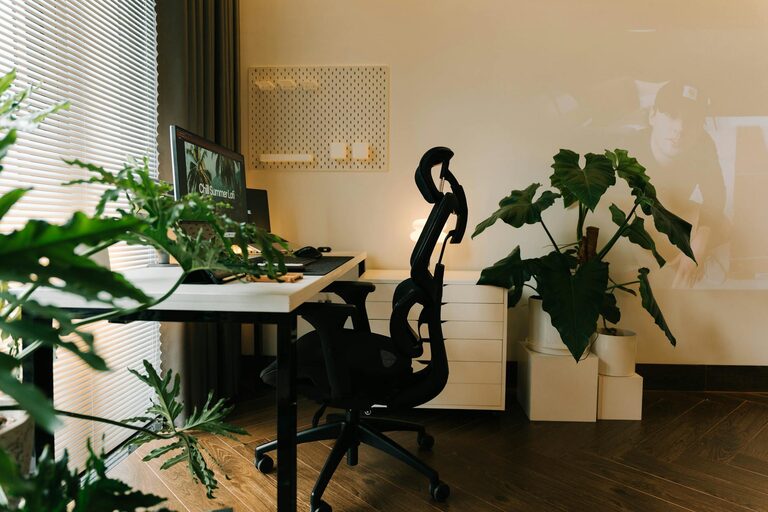
Comfort is key when spending long hours at your desk. An ergonomic chair supports your posture and reduces the risk of back pain. Choose a desk at the right height and consider adjustable options that allow you to switch between sitting and standing.
Add Personal Touches
Incorporate cushions, throws, or a soft rug for added warmth and coziness. These small touches can make your workspace feel inviting.
Organize Your Workspace Efficiently
Declutter Regularly
A clutter-free desk can clear your mind and improve focus. Use drawers, shelves, or organizers to keep supplies neat and accessible.
Use Storage Wisely
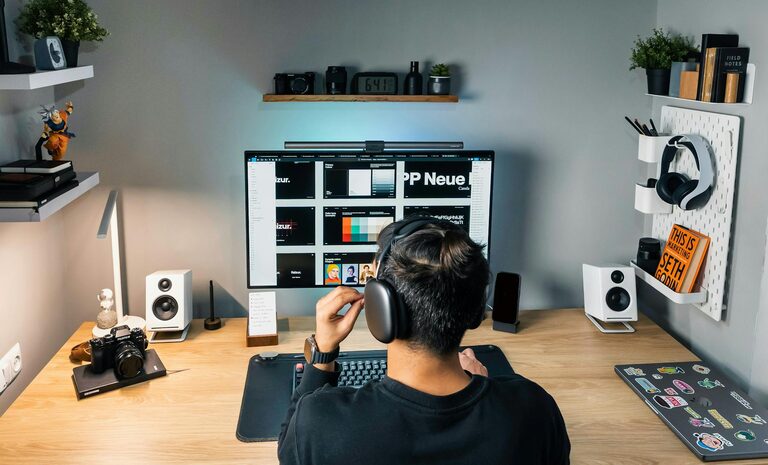
Incorporate storage solutions like filing cabinets, baskets, or wall-mounted organizers to maximize space and keep essential items within reach.
Optimize Lighting and Ambiance
Layer Your Lighting
Combine task lighting, like desk lamps, with ambient lighting to reduce eye strain and set a comfortable mood.
Add Greenery
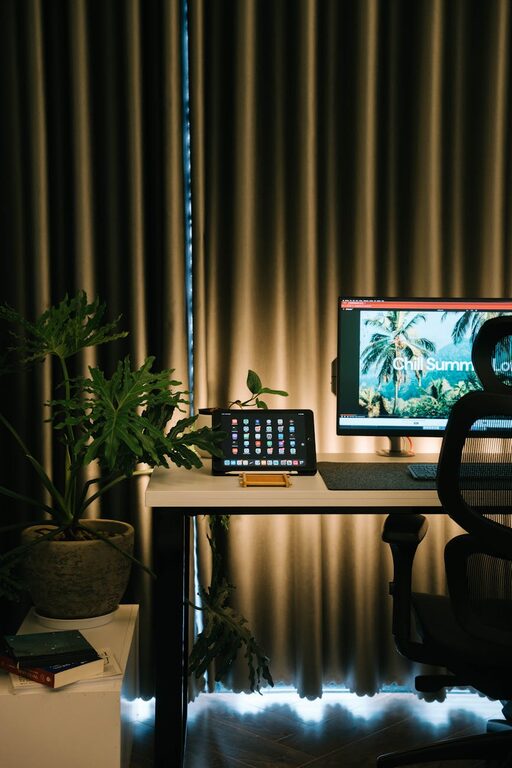
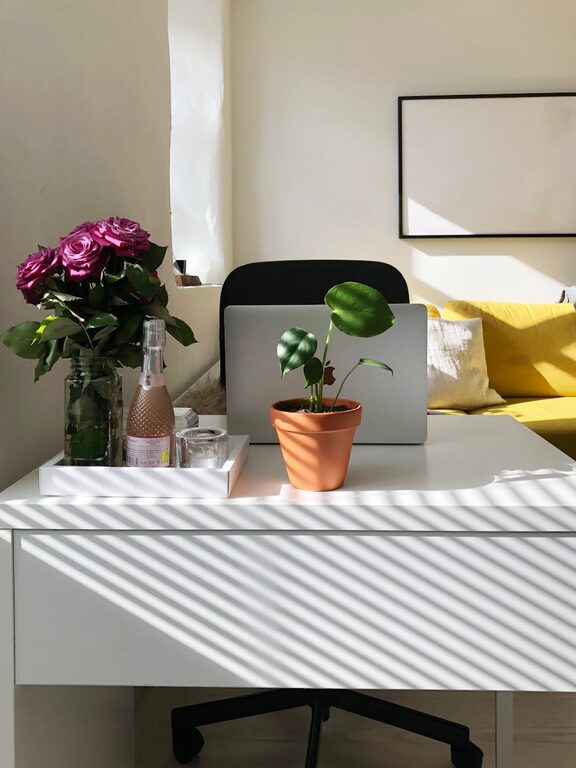
Plants can improve air quality and add a natural, calming vibe to your workspace. Choose low-maintenance plants like succulents or pothos.
Personalize Without Overdoing It
Include Inspiring Decor
Place a few meaningful photos, artwork, or motivational quotes where you can easily see them.
Avoid Excess Clutter
Balance personalization with simplicity to prevent distraction and maintain a sharp focus.
Create Zones for Different Tasks
If space allows, designate areas for various activities such as computer work, reading, or brainstorming. Changing your position throughout the day can promote better circulation and reduce fatigue.
Manage Cables and Technology
Keep Cords Tidy
Use cable organizers or clips to prevent tangled wires, which can distract and clutter your workspace.
Choose Functional Tech
Invest in reliable equipment like a quality keyboard, mouse, and headphones to improve your work experience.
Take Breaks and Move
Remember to step away from your workspace regularly. Stretch, walk, or perform simple exercises to keep your body active and your mind refreshed.
Set Boundaries
Finally, establish clear work hours and communicate these to anyone sharing your home. This helps maintain your work routine and respect for your space.
—
By thoughtfully combining comfort with smart organization, your home workspace will become a place you look forward to spending time in. Whether you have a small nook or a dedicated room, these tips will help you create a space that supports your work and well-being.