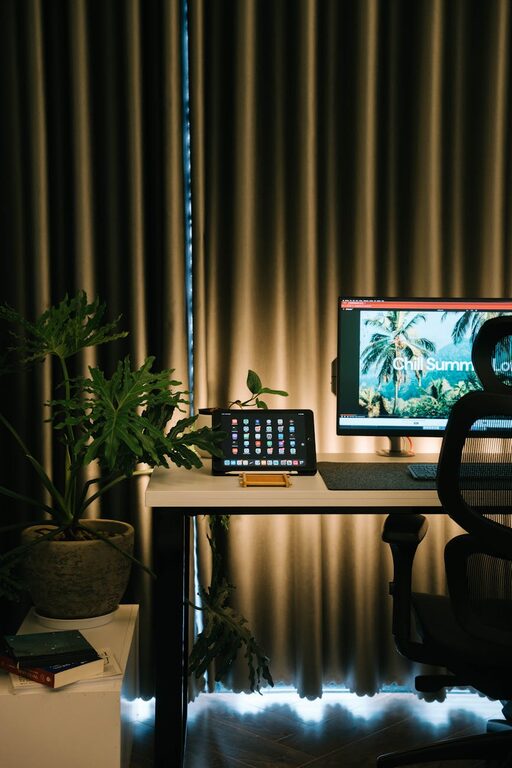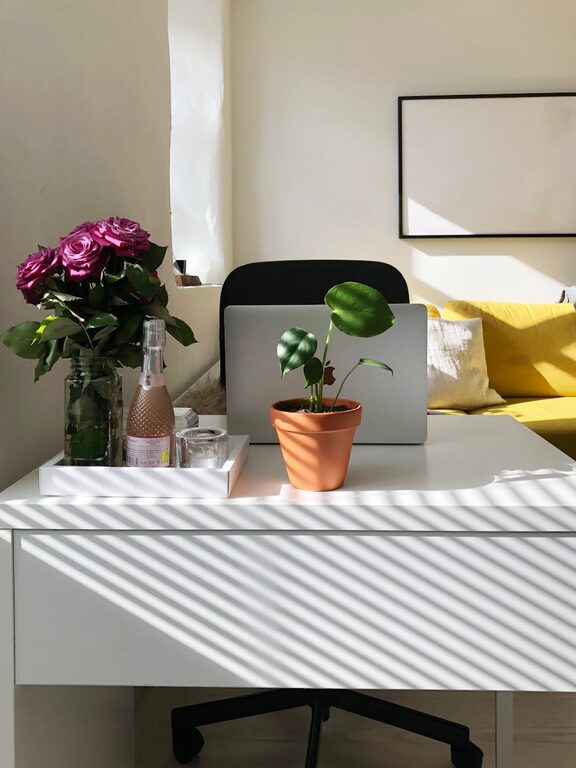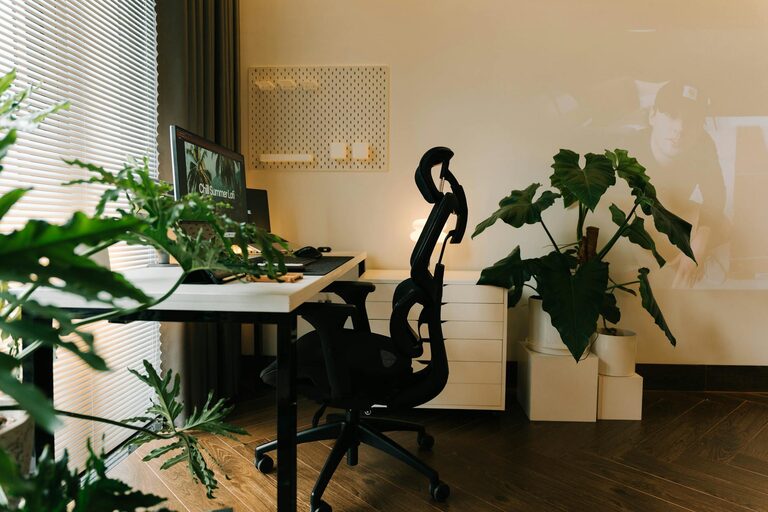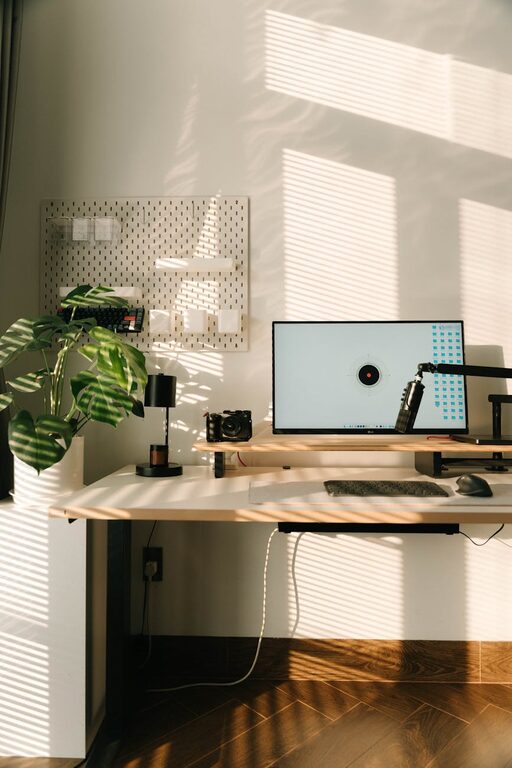
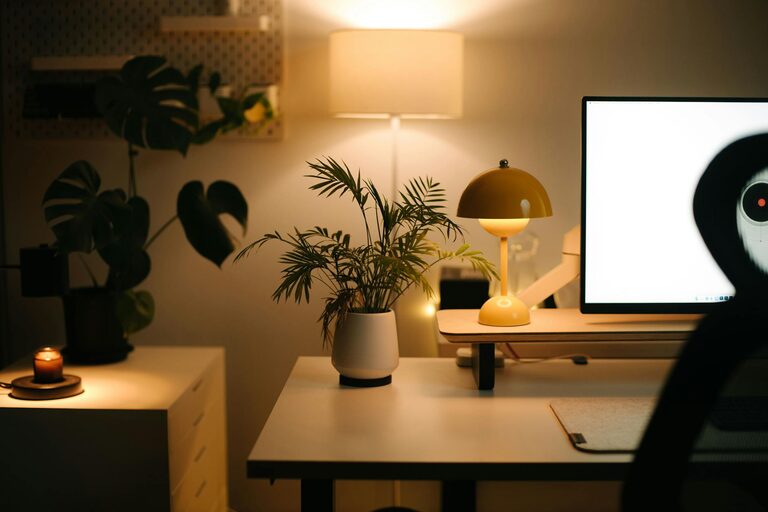
Creating a relaxing home workspace is essential for maintaining productivity and comfort, especially when working remotely. A well-designed environment can reduce stress, increase focus, and make your workday more enjoyable. Whether you have a dedicated office or a small corner at home, these tips will help you set up a space that supports your work and well-being.
Choose the Right Location
Find a Quiet Spot
Select a place in your home where you’re least likely to be disturbed. Noise and distractions can disrupt your concentration, so a quiet corner or a separate room is ideal.
Consider Natural Light
Position your workspace near a window to take advantage of natural light. It helps reduce eye strain and can boost your mood throughout the day.
Invest in Comfortable Furniture
Ergonomic Chair
A comfortable, supportive chair is key to preventing back pain and improving posture. Look for one with adjustable height and lumbar support.
Functional Desk
Choose a desk with enough surface area for your computer, documents, and any other tools you use regularly. Adjustable desks that allow you to switch between sitting and standing can be beneficial.
Personalize Your Space
Add Plants
Incorporating plants into your workspace can improve air quality and create a calming atmosphere.
Use Soothing Colors
Colors like soft blues, greens, or neutrals can create a peaceful environment. Avoid overly bright or loud colors that might be distracting.
Display Inspirations
Keep motivational quotes, photos, or artwork that inspires you within sight to maintain a positive mindset.
Organize and Declutter
Use Storage Solutions
Keep your desk organized with storage containers, shelves, or filing cabinets. Cluttered spaces can increase stress and reduce productivity.
Regularly Declutter
Set aside time each week to tidy your workspace. Removing unnecessary items helps maintain focus and a sense of order.
Optimize Lighting
Combine Natural and Artificial Light
While natural light is preferred, supplement it with adjustable desk lamps or overhead lighting to prevent eye strain.
Avoid Glare
Position screens and lights to minimize glare on your computer, which can cause headaches and fatigue.
Incorporate Relaxation Elements
Comfortable Accessories
Include items like a cozy blanket, a cushioned footrest, or noise-cancelling headphones to improve comfort.
Break Space Nearby
If possible, have a spot close to your workspace where you can take short breaks and relax without distractions.
Maintain Good Air Quality
Ventilation
Ensure your workspace is well-ventilated. Fresh air helps keep your mind alert and reduces the feeling of stuffiness.
Air Purifiers
If your home environment has pollutants or allergens, consider using an air purifier to maintain clean air.
Set Boundaries
Define Your Work Hours
Establish clear working hours to create a routine that separates work from personal life.
Communicate with Household Members
Make sure people you live with understand your work schedule to minimize interruptions.
Use Technology Wisely
Cable Management
Use cable organizers to keep wires tidy and prevent a messy look.
Efficient Tools
Invest in reliable technology like fast internet, quality headphones, and necessary software to work smoothly.
Final Thoughts
Creating a relaxing home workspace doesn’t require a big budget or a large area. By focusing on comfort, organization, and a calm atmosphere, you can make a space that not only boosts your productivity but also supports your overall well-being. Remember, the goal is to design a workspace where you feel comfortable, focused, and motivated to do your best each day.